Creating Interviews
Once you have added members to your organization (see Onboarding), you can create interviews. Interviews are a collection of one or more SadServers scenarios (these interviews are unrelated to the “interview sessions” or “sessions” as running instances of scenarios mentioned for example in the Pay-Per-Use accounts).
Go to the Interviews Section of your Dashboard.
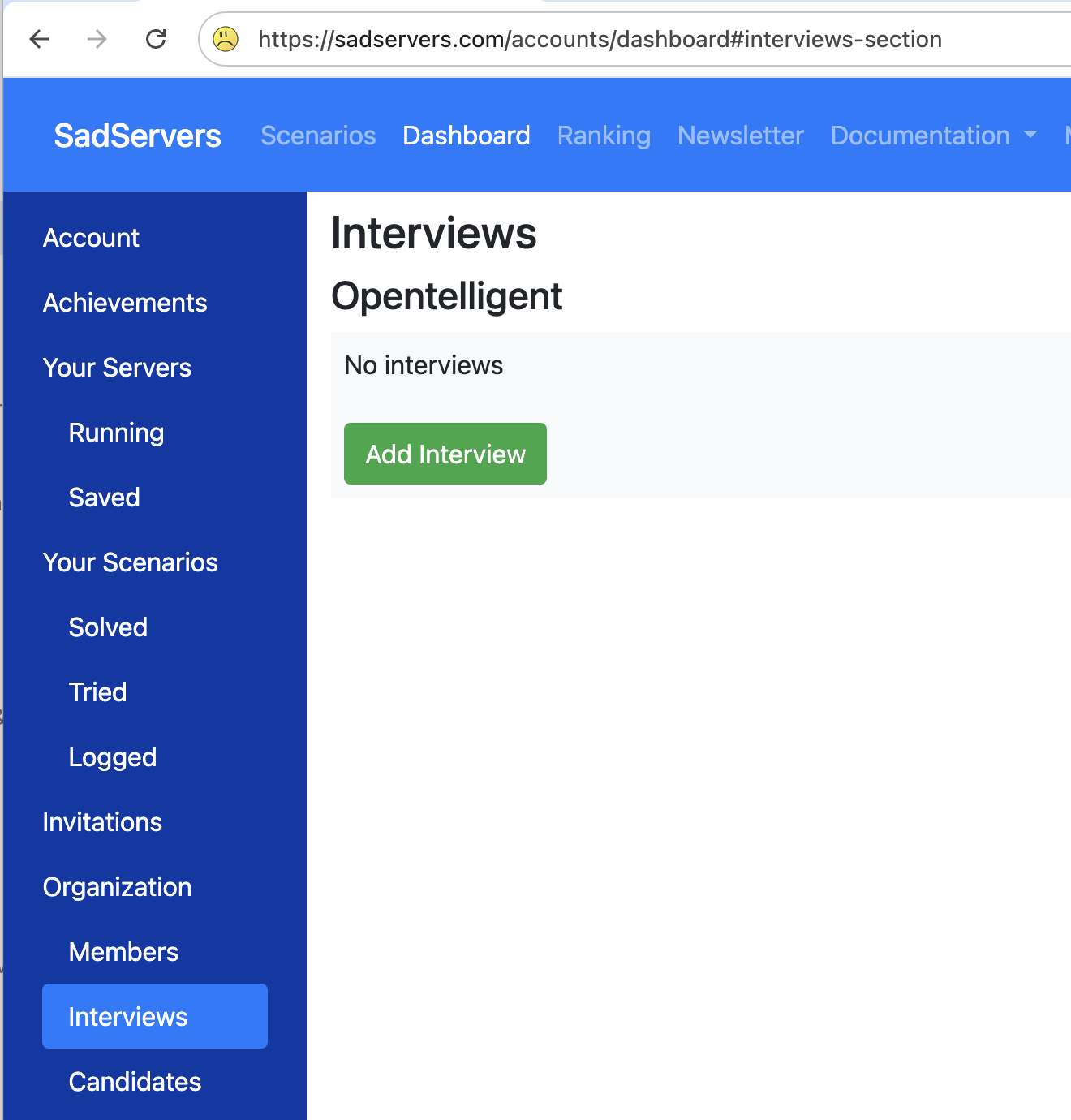
Let’s click the “Add Interview” button on this page. In the following form, add a name for the interview and select the scenarios to include. In this example, we are picking two scenarios.
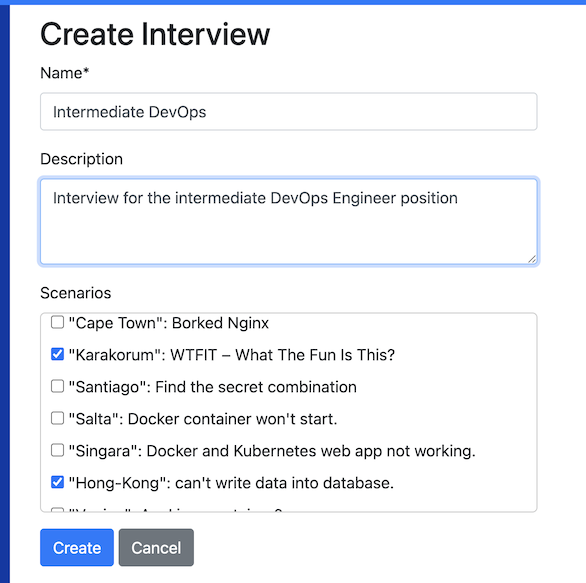
You can customize each scenario in two ways:
- Custom times: Keep the default maximum time or set a custom one (5 to 480 minutes, i.e. 8 hours). If the max time is over 90 minutes, the countdown timer is not shown on the scenario page.
- Clues & Solution: You can hide the clues and solution for a scenario so the candidate cannot see them.
You can also enable an email alert to be notified when a candidate starts an interview scenario.
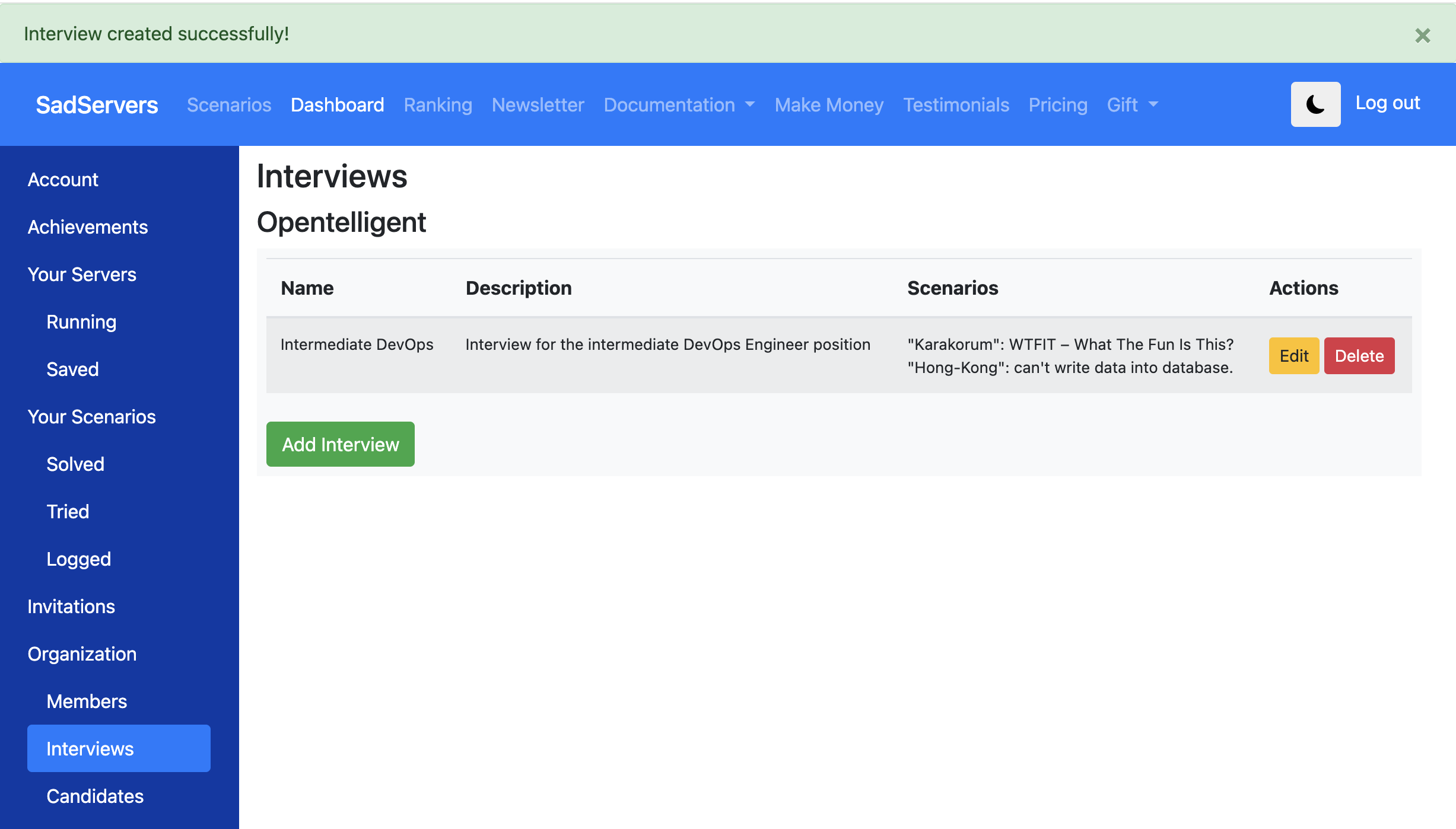
After clicking the “Add” button, we are brought back to the main Interviews screen, where we can see our interview and the scenarios it contains. From this section, you can add more interviews, or edit and delete existing ones.